Build Your QR Code & WhatsApp Ordering System With EasyBillPOS
Let your restaurant accept orders instantly via WhatsApp—scan, view menu, and order in seconds. No app needed.

Popular Store
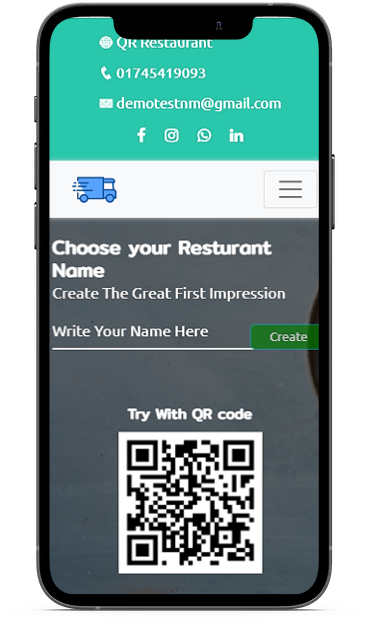
Choose your Resaturant Name
Try With QR code
Set Up & Start Receiving Orders in Minutes
Create your digital menu, generate a QR code, and start receiving customer orders directly on WhatsApp. Track, manage, and fulfill orders—all from one place.

Create Your Restaurant
Create a new restaurant with scanning QR code or With a package



Powerful Features to Boost Your Restaurant Orders
QR menus, WhatsApp ordering, auto-address detection, repeat orders, and more—all in one streamlined system.
Choose a name of your Restaurant
Choose you name and create your restaurant easily
Mail verification
After create you account , verify your account by mail verification
Make Payment
Make a payment if your not a free user. Make payment using Stripe,Paypal,Razorpay
QR code
After create account dynamically create your account QR code. Share your account via QR code
Create Menu
Add to cart your item and make a menu
Make an order
After select all items make an order select order type like booking or home delivery
Ordering via Whatsapp
After complete order confirm order via WhatsApp, continue chat & finalize order
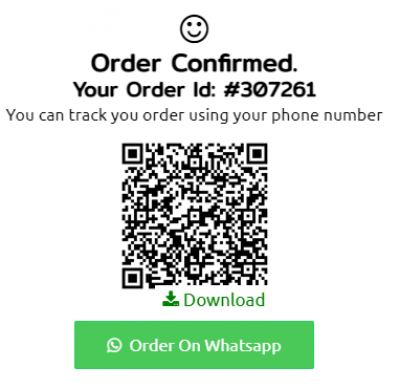
Track your order
Track your order using your phone & Order id or QR code
Frequently Asked Questions
Find answers to the most common questions about setting up, using, and managing your Restaurant QR menus, WhatsApp ordering system.
Go to the “Billing” section under your profile. Choose your plan and contact us on WhatsApp to complete the payment. Our team will guide you with the available payment options and activate your plan shortly.
Choose your plan and contact us on WhatsApp to complete the payment. Our team will guide you with the available payment options and activate your plan shortly.
After creating your restaurant profile, go to “Plans & Pricing,” choose the suitable package, and subscribe. Your features will be activated instantly.
To create and manage your restaurant menu:
-
Log in to your dashboard after signup.
-
Go to the “Menu” section.
You’ll find the following tools to manage your menu:
-
✅ Menu Categories – Create categories like Starters, Main Course, Beverages, etc.
-
✅ Items – Add food items with name, image, price, description, and availability.
-
✅ Packages – Create combo or custom meal deals.
-
✅ Specialties – Highlight your popular or recommended dishes.
-
✅ Package QR Builder – Generate a special QR code that links to a specific package/menu.
-
✅ Allergens – Add allergy info for items if needed.
-
✅ Extras – Set optional add-ons like extra cheese, toppings, spice level, etc.
You can edit, update, or deactivate any item/category at any time from the dashboard.

Affordable Plans for Every Restaurant
Choose a pricing plan that fits your needs—monthly or yearly, no hidden fees. Start growing your orders today.
Trial Basic
Free/15 days
- Welcome Page
- Menu (4 Items)
- Packages
- specialities
- Qr code
- Whatsapp Order
- Online Order (3)
- Reservation
- Contacts
- OneSignal & PWA
- POS
- Affiliate
Monthly
600 ₹ / month
- Welcome Page
- Menu (Unlimited Items)
- Packages
- specialities
- Qr code
- Whatsapp Order
- Online Order (Unlimited)
- Reservation
- Contacts
- OneSignal & PWA
- POS
- Affiliate
- Delivery / Pay on receipt
- Booking
- Reservation
- Pickup
- Dine in
- Pay cash
What We Offer for Restaurants
From QR menu setup to full WhatsApp order management, POS, we handle everything to digitize your food business.
Create Your Restaurant Profile
Make you restaurant profile with unique design, Dynamic color, Social sites.
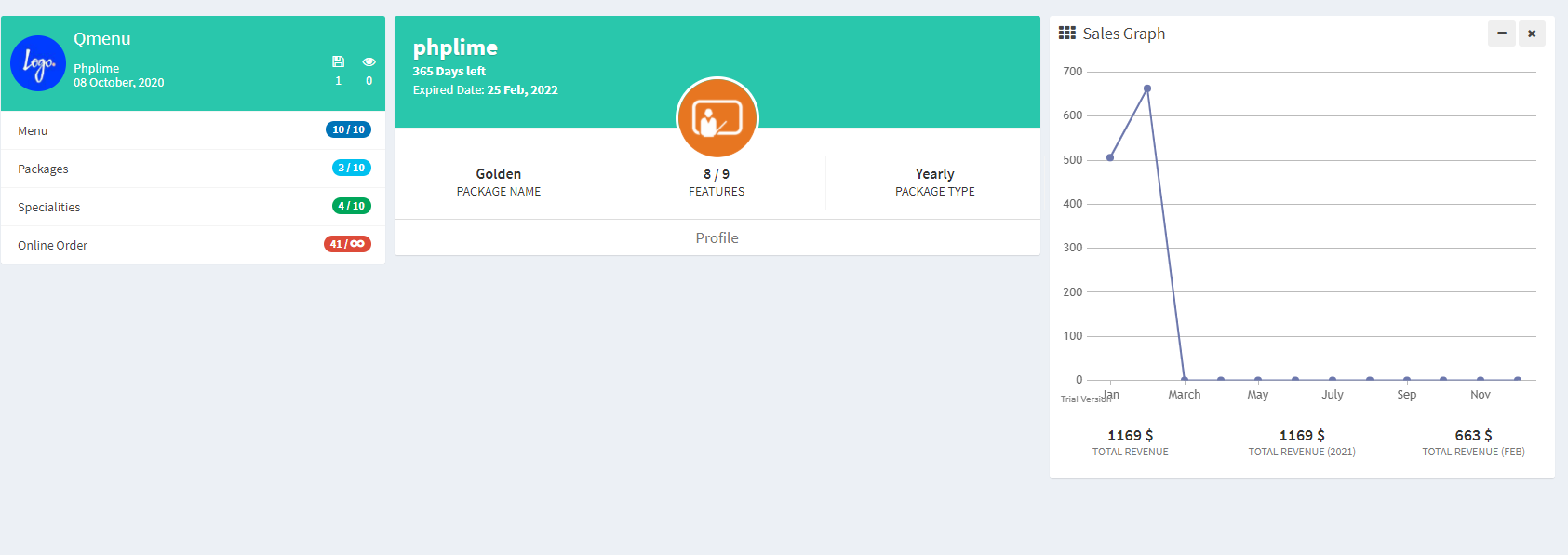
Check Order and orders statistics
Check your order, reservation , revenue and all statistics with strong dashboard
Experts Behind the Innovation
Our dedicated team of developers, designers, and support staff ensure smooth and professional service delivery.

Mr. Alex
CEO

Mr. Smith
Client

Miss Arenda
Client

Mr. Beak
Manager